

Background Remover: Remove the Background from Photos Online
Remove the background from a photo without tracing around anything. Facelab finds the subject by itself, handles hair and fur, and gives you a clean cutout, processed in your browser. Save it as a PNG with a transparent background.

Drop your photo here
or click below to browse files
JPG, PNG, WEBP, HEIC · up to 25 MB
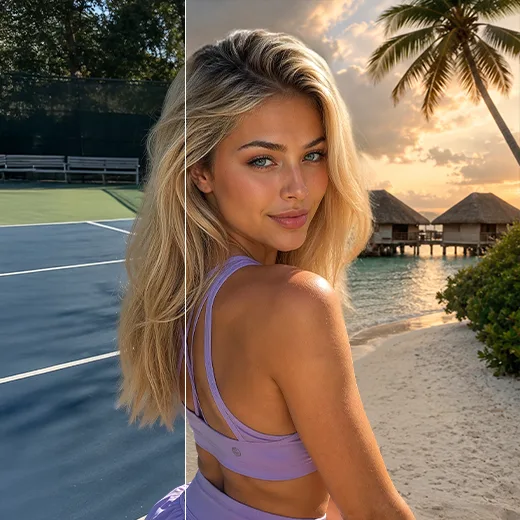
Cutting out a subject by hand used to mean an hour with the pen tool. Facelab's bg remover detects the main subject, whether it's a person or a product, and removes the background from the image automatically. Compare before and after, then download the result as a transparent PNG. You can try it free.
How it works

Step 1
Upload Your Photo
Pick a photo where the subject stands out clearly from what's behind it.

Step 2
Let Facelab Find the Subject
The background is removed automatically, with no manual selection.

Step 3
Download
Press Download Result to save a PNG with a transparent background. Want a softer backdrop instead? Upload the same photo to Background Blur.
Explore more Facelab tools
AI Make Up Editor
Apply virtual lipstick, eyeshadow, and blush instantly.
Open Tool →AI Hairstyle
Try any hairstyle and color — from subtle to bold.
Open Tool →Object Remover
Erase unwanted objects from photos with AI precision.
Open Tool →Background Remover
Remove any background in seconds with AI precision.
Open Tool →Watermark Remover
Erase watermarks and logos from any image instantly.
Open Tool →AI Teeth Whitening
Brighten your smile with realistic whitening in one tap.
Open Tool →Eye Color AI Editor
Change eye color naturally — any shade, any photo.
Open Tool →AI Image Upscaler
Enlarge photos up to 4× without losing quality.
Open Tool →Body Editor
Slim, reshape, or adjust body proportions with AI tools.
Open Tool →Skin Retouch
Smooth skin, reduce blemishes, perfect your complexion.
Open Tool →Face Shape Editor
Subtly reshape facial features with natural precision.
Open Tool →Resizing Image
Resize photos to any size without quality loss.
Open Tool →Photo Filters
Give any photo a ready-made color look.
Open Tool →Sky Replacement
Swap a dull sky for a sunset or storm clouds.
Open Tool →Background Blur
Blur the background like a portrait lens, or add bokeh.
Open Tool →Light Effects
Add light leaks, flares and a warm glow.
Open Tool →Photo Textures
Lay film grain, dust or paper over any photo.
Open Tool →Photo Color Correction
Fix exposure, color and tone with 16 dials.
Open Tool →
Cut Out Hair and Fur Without Manual Selection
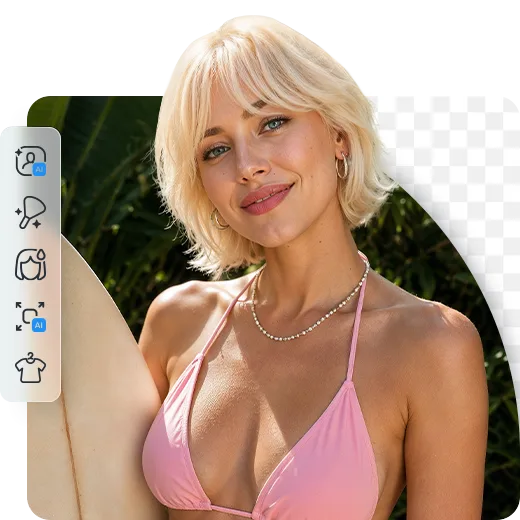
Cutting out a photo by hand used to mean an hour with the pen tool, and flyaway hair was the bit everyone gave up on. Facelab's background remover detects the subject automatically, including stray strands and pet fur. The more your subject stands out from the background, the cleaner the fine edges come out: dark hair against a pale wall is easy, while a light dog on autumn leaves needs a second look at the edges. For the cleanest result, use the largest, sharpest version of the photo you have.
Save a PNG with a Transparent Background
A transparent background turns your cutout into something you can reuse as a sticker, logo, or presentation layer. Everything around the subject stays empty, ready to drop into any design. JPG can't store transparency, so if you ever save the cutout as a JPG, the empty area fills with a solid color. Keep the PNG as your master copy.

Cut Yourself Out for a CV or Document
Remove the bookshelf behind you and drop the cutout into a CV, a slide, or an application form. Passport photo rules vary by country, and many offices don't accept digitally edited photos at all. Check the official requirements before you print.
Blur or Style the Background
Sometimes you want to keep the scene and just take attention off it. Background Blur blurs the background behind a person or adds an effect such as Motion Blur, Zoom Blur, Tilt-shift, or Bokeh overlays. For outdoor shots with a dull sky, Sky Replacement swaps it for a new one. Both are separate tools, so upload your photo there to start.
Keep Editing with Other Facelab Tools
If only one object is the problem, the Object Remover erases it and keeps the rest of the scene. A headshot might need a light pass with Skin Retouch, and Resizing Image fits the result to a profile picture or listing size. When you only need one thing to go, removing the whole background is usually overkill.
Background Remover: Frequently Asked Questions
How the background remover works, what file you get, and what to do with the background next.
How does the background remover work?
It detects the main subject in your photo and removes everything behind it. No manual selection is needed, and the photo is processed in your browser.
What file do I get?
A PNG with a transparent background. Press Download Result on the result screen.
Can I change the background?
Not in this tool: it gives you a transparent cutout. To blur the background or add an effect, use Background Blur. To replace the sky, use Sky Replacement. Upload your photo to each tool separately.
Does it work with products and objects?
Yes. The tool finds the main subject, whether it's a person or an object on a table.
Does it work on my phone?
Yes. Upload a photo and download the result on your phone. If your phone's browser supports sharing files, you'll also see a share button.
How do I get the cleanest cutout?
Shoot against a plain wall or open sky, avoid backgrounds the same color as your clothes or hair, keep the whole subject in the frame, and zoom in on the outline before you save.
Is it free?
You can try it free.