

Image Resizer & Photo Cropper Online: Resize, Crop, and Straighten Photos
Resize and crop images online and fix the geometry while you're at it. Choose one of nine aspect ratios, level a tilted horizon, straighten a leaning building, then set the exact width and height in pixels when you download. Free to use in your browser.
Drop your photo here
JPG, PNG, WEBP, HEIC · up to 25 MB
How it works

Step 1
Upload Your Photo
Use the biggest, sharpest version you have: cropping always throws pixels away.

Step 2
Straighten and Correct
Use Straighten to level the horizon (up to ±45°) or Rotate to turn the photo 90°. If lines still lean or bow, add Horizontal, Vertical, or Lens correction.

Step 3
Choose an Aspect Ratio
Pick one of nine ratios and move the frame where you want it.

Step 4
Flip if Needed, Then Download
Mirror the photo with Flip, then set Width, Height, and format in the download window.
Do the geometry first and crop last, since each correction shifts what ends up inside the frame.
Explore more Facelab tools
AI Make Up Editor
Apply virtual lipstick, eyeshadow, and blush instantly.
Open Tool →AI Hairstyle
Try any hairstyle and color — from subtle to bold.
Open Tool →Object Remover
Erase unwanted objects from photos with AI precision.
Open Tool →Background Remover
Remove any background in seconds with AI precision.
Open Tool →Watermark Remover
Erase watermarks and logos from any image instantly.
Open Tool →AI Teeth Whitening
Brighten your smile with realistic whitening in one tap.
Open Tool →Eye Color AI Editor
Change eye color naturally — any shade, any photo.
Open Tool →AI Image Upscaler
Enlarge photos up to 4× without losing quality.
Open Tool →Body Editor
Slim, reshape, or adjust body proportions with AI tools.
Open Tool →Skin Retouch
Smooth skin, reduce blemishes, perfect your complexion.
Open Tool →Face Shape Editor
Subtly reshape facial features with natural precision.
Open Tool →Resizing Image
Resize photos to any size without quality loss.
Open Tool →Photo Filters
Give any photo a ready-made color look.
Open Tool →Sky Replacement
Swap a dull sky for a sunset or storm clouds.
Open Tool →Background Blur
Blur the background like a portrait lens, or add bokeh.
Open Tool →Light Effects
Add light leaks, flares and a warm glow.
Open Tool →Photo Textures
Lay film grain, dust or paper over any photo.
Open Tool →Photo Color Correction
Fix exposure, color and tone with 16 dials.
Open Tool →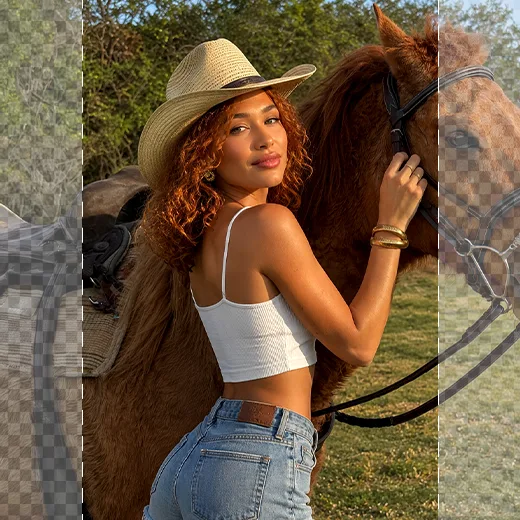
Nine Aspect Ratios, Each with a Job
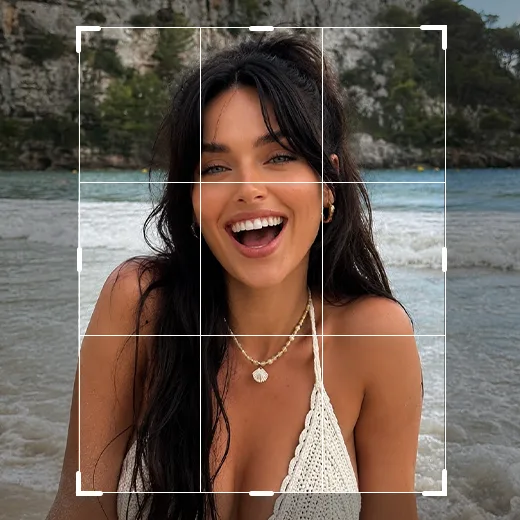
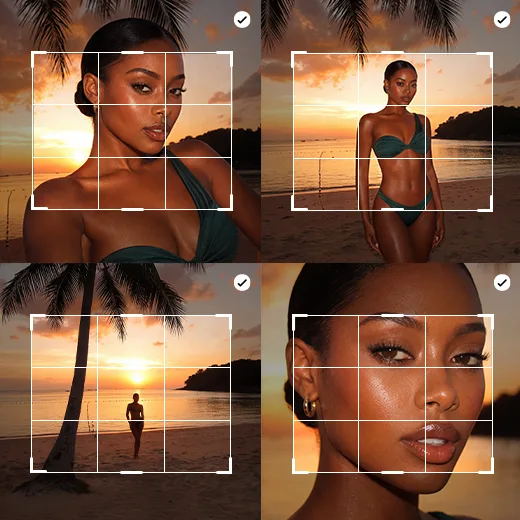
1:1 for profile pictures and square grid posts. 4:5 and 3:4 for tall feed posts. 9:16 for Stories, Reels, and TikTok covers. 16:9 for YouTube thumbnails, slides, and desktop wallpapers. 4:3 for the shape most phone cameras shoot by default. 2:3 for classic 4x6 prints. 2:1 for wide banners and website headers. Free for everything else. Know where the photo will end up before you touch the frame: a headshot cropped tight at 16:9 rarely survives a later switch to 4:5.
Resize to Exact Pixels When You Download
When you download, set Width and Height in pixels. Keep the lock on to preserve the proportions, or turn it off to set both sides yourself. Choose PNG, JPEG, or WebP, and adjust Quality for JPEG and WebP. Sizes above 16,384 × 16,384 px are scaled down automatically. Making a photo bigger this way stretches the pixels; to enlarge it with added detail, use the Image Upscaler.
Straighten the Horizon Before Anything Else
Two degrees of tilt is enough for the sea to look like it's draining out of the corner. Find the most reliable straight line in the shot, usually the horizon or a door frame, and rotate until it runs parallel with the edge. Rotating leaves empty wedges in the corners that you have to crop away, so the bigger the correction, the more of your photo disappears.
Correct Perspective and Lens Distortion
Point a phone up at a tall building, and its sides tilt toward each other. Vertical correction pulls those lines parallel again; Horizontal does the same for a storefront shot slightly from the side. Wide lenses bow lines near the edges outward, and Lens flattens that curve. Stop at the smallest correction that makes the lines look right, then check your crop again.
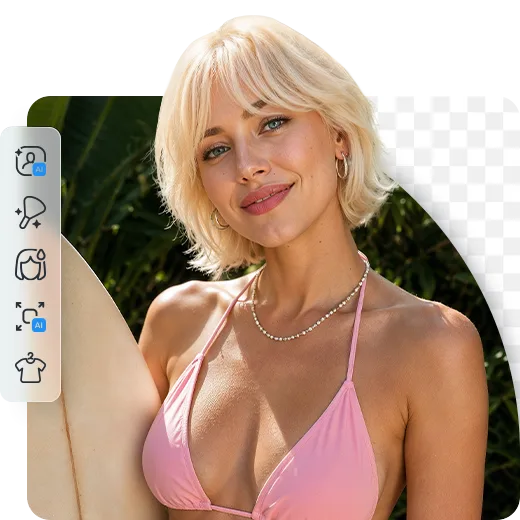
Use Stretch and Flip with a Light Hand
Stretch scales the photo in one direction. A small nudge can help an image fit its frame, but faces and round objects distort fast. Flip mirrors the photo horizontally. Use it when someone faces out of the frame, and check signs and T-shirts afterwards, since backward text gives the edit away.
Image Resizer: Frequently Asked Questions
How to resize, crop, and straighten photos with Facelab.
Can I resize to exact pixel dimensions?
Yes. Set Width and Height in the download window. The lock keeps the proportions.
Can I make a photo bigger?
Width and Height can enlarge a photo, but that stretches the existing pixels. To enlarge it with added detail, use the Image Upscaler.
Can I resize several photos at once?
No. Photos are edited one at a time. For each platform, go back to the original instead of cropping a crop.
Which formats can I download?
PNG, JPEG, or WebP. Quality is adjustable for JPEG and WebP.
Can I straighten a crooked photo?
Yes. Straighten levels the photo up to ±45°, and Rotate turns it 90°.
Can I flip a photo vertically?
No. Flip mirrors the photo horizontally only.
Is the image resizer free?
Yes, it's free to use in your browser.
Try Facelab Now!
Virtual makeup, skin retouching, and AI enhancement — free to try right now.